
Living · Planning · Understanding materials
How to furnish a home office that fits your work
Choose the work surface and chair together, then plan lighting, cable access and storage. A stylish desk is useful only if the equipment you use fits comfortably and the supports leave suitable leg space.
Start by distinguishing occasional laptop use from a complete daily workstation. That difference should guide the depth, storage and layout before you choose glass, wood or a furniture style.
Rooms · 01
Write a brief for the work you do
List screens, keyboard, mouse, papers and devices used at the same time. Separate regular work from occasional projects. A printer that is used once a week may not need the same prime surface as the keyboard.
Make a second list of what should disappear after work. Closed storage for small items and accessible shelves for folders solve different problems. Decide where these functions belong before choosing a larger desk to hold everything.
Rooms · 02
Choose desk and chair as one setup
Place the equipment on a temporary surface and sit in the chair you expect to use. Check screen position, keyboard access and leg space. A drawer unit or support below the top can change the usable area even when the tabletop is generous.
An adjustable chair helps you assess the relationship between your body and the work surface. Do not assume a fixed desk height will suit everyone. For specific ergonomic requirements, consult an appropriate professional and the equipment guidance rather than relying on a furniture photograph.
Rooms · 03
Window position and reflections
Try placing the screen at right angles to the window so daylight comes from the side. Check the result during different working hours and use blinds where needed. Position a task lamp so it does not reflect on the screen.
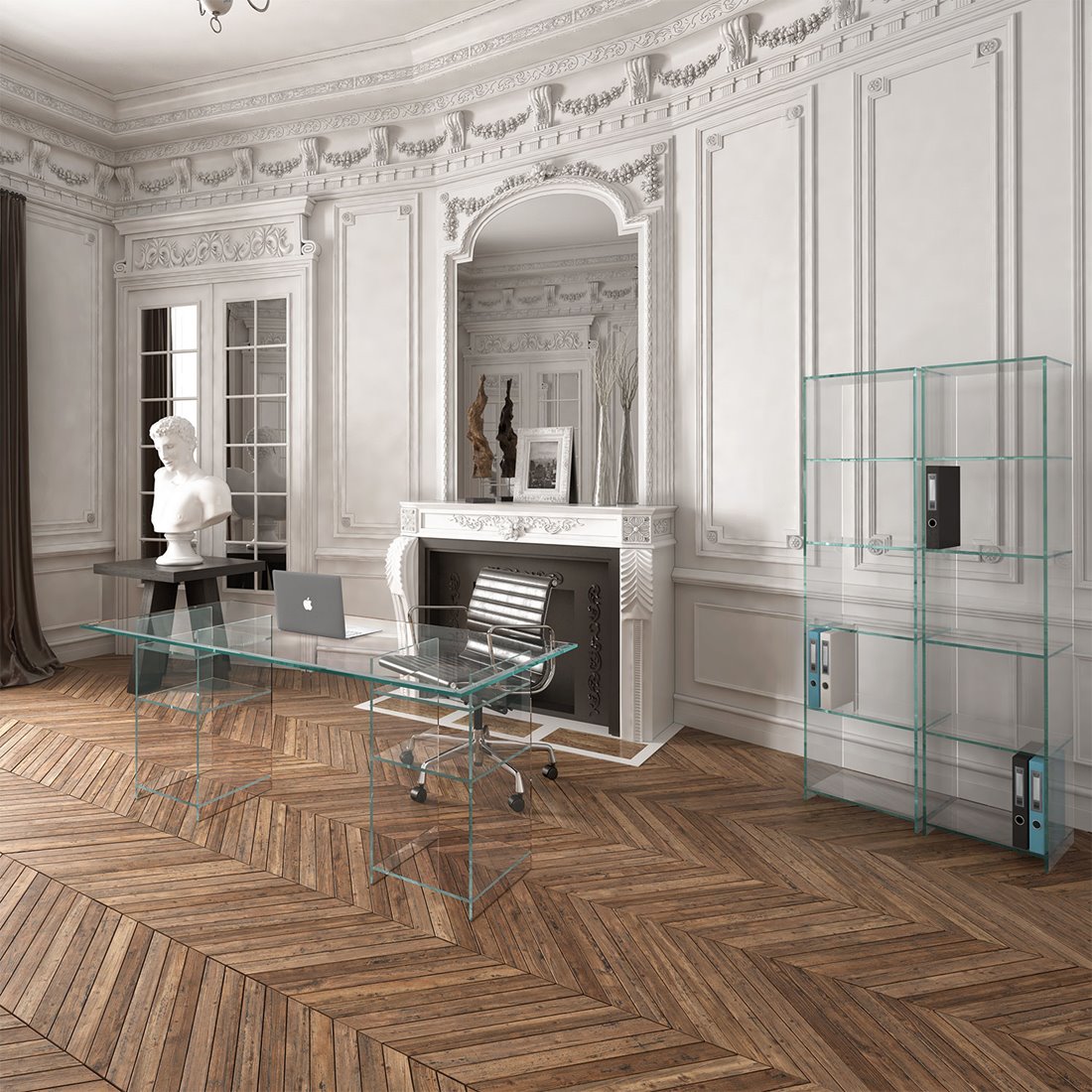
Glass and other reflective surfaces deserve an actual lighting test. A compatible mat can provide a different working surface for specific tasks. Choose it after checking how it affects the keyboard, mouse and the view of the desk.
Rooms · 04
Storage and cables without detours
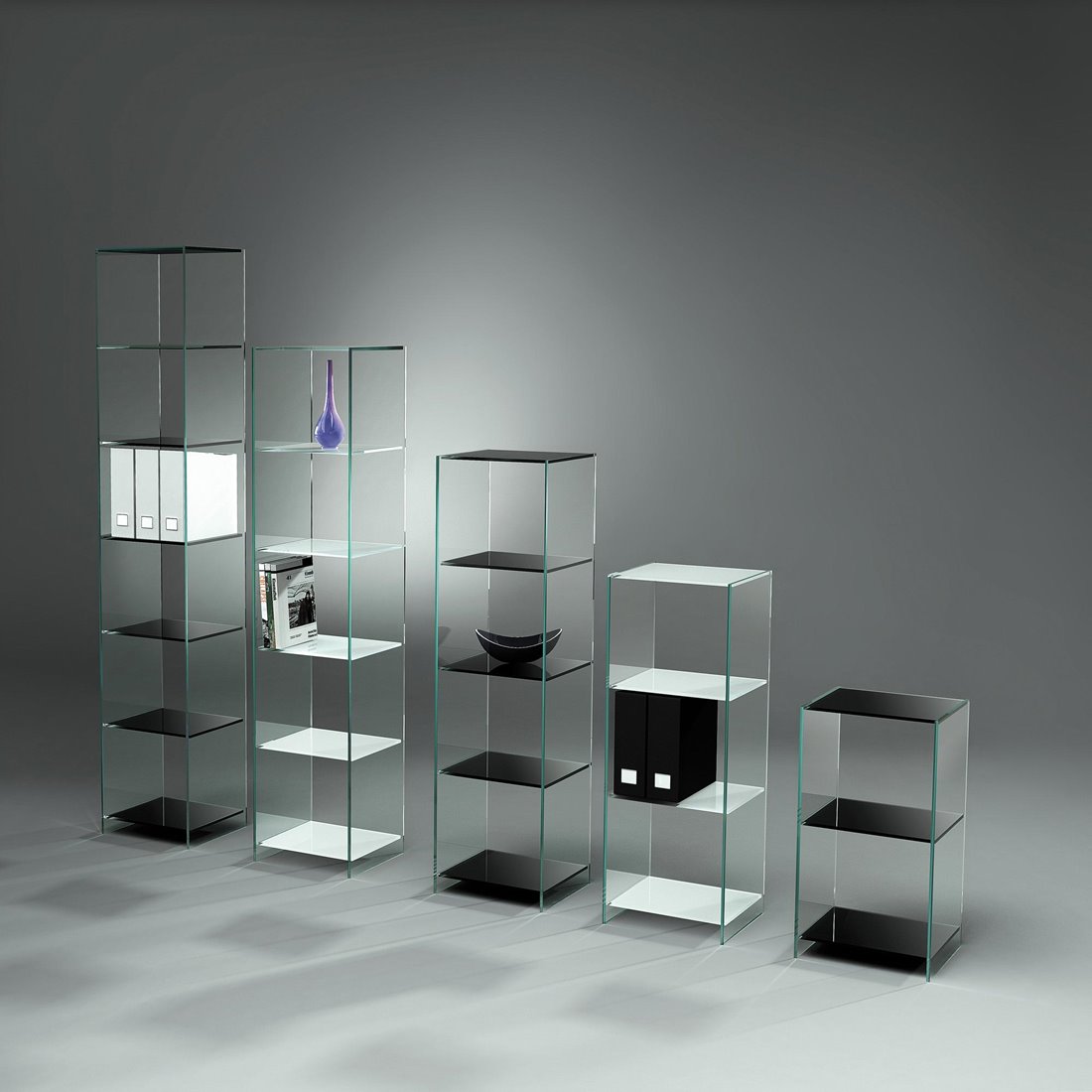
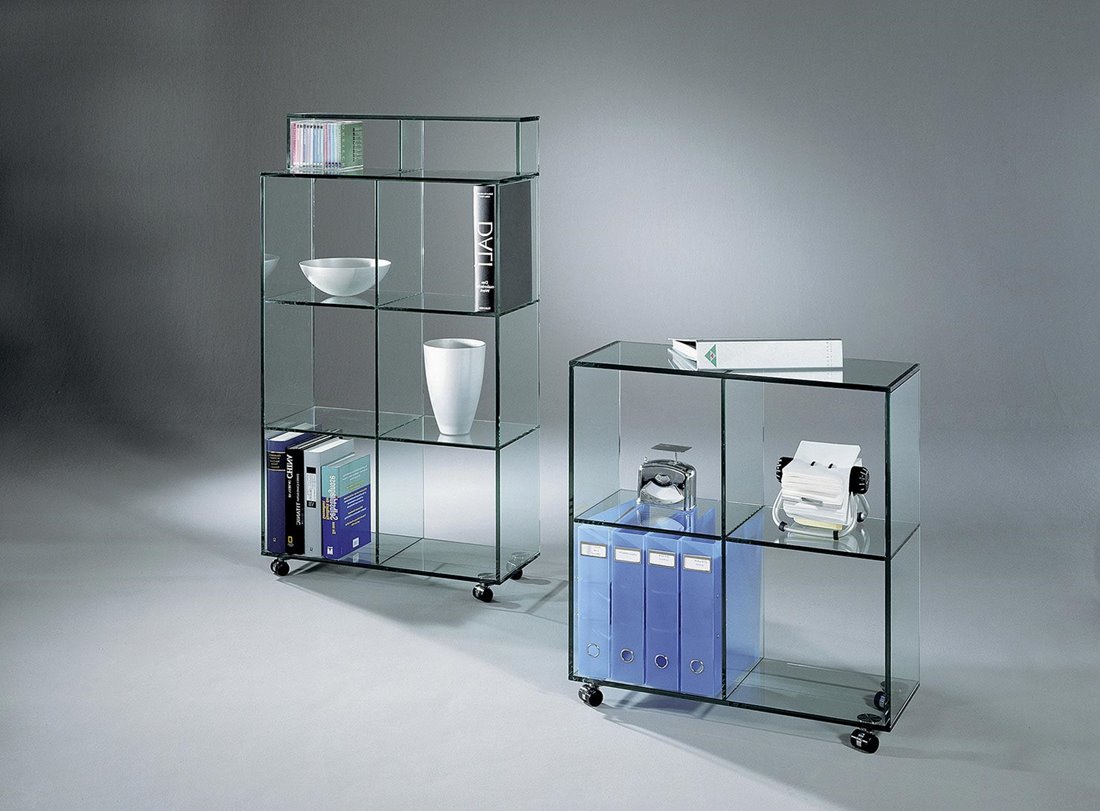
Give daily materials a nearby location and archive materials a separate one. Shelves should fit folders upright without squeezing, and heavier items need a reviewed load arrangement. Avoid stacking devices merely because they fit within the shelf width.
Follow each device manufacturer’s ventilation instructions. Plan how power, data cables and chargers reach the equipment, leaving accessible slack and connections. Check clamp compatibility before mounting a monitor arm to a glass top; do not assume a standard clamp is suitable.
Rooms · 05
Small offices and narrow rooms
Begin with the occupied chair and the entrance route. A compact desk may suit laptop use, while a full monitor setup may require more depth. Compare a shallow arrangement against a different wall rather than automatically choosing the smallest model.
Use vertical storage where it is accessible and suitable for the wall or securing method. A glass shelf can keep the visual outline lighter but cannot hide a busy collection of cables and equipment.
Rooms · 06
Combining an office with a guest room
Draw the guest bed in its open position and check that the desk, chair and cables do not obstruct it. Decide what moves during a visit and where it goes. A layout that requires carrying several heavy pieces out of the room is rarely convenient.
Keep personal work materials in suitable closed storage when guests use the room. Provide separate guest lighting and access to the door. Use related colors and materials to connect the functions without treating the guest bed as permanent office storage.
Choose by the problem you want to solve
| Your situation | What to compare | What to check |
|---|---|---|
| Paper or larger projects | Reserve simultaneous working surface. | Do not count the printer as the only space requirement. |
| Screen-based work | Coordinate desk, chair and monitor positions. | Confirm mounting and cable arrangements. |
| Guest room too | Test both the work and open-bed layouts. | Give moved furniture and work items a real home. |
Try this before buying
A monitor setup that outgrows a compact desk
Place a monitor, separate keyboard, mouse area and notebook on the proposed footprint. If the keyboard forces you to sit too far from the desk or the screen occupies the depth needed for a comfortable arrangement, compare a deeper top. More width alone may not solve the problem. Review supports and cable access before ordering a custom dimension.
- Arrange equipment at full size
- Test the chair and leg area
- Check glare at working hours
- Confirm mounting and ventilation requirements
Record the version that works and keep the measurements with your photographs. If you change one item, repeat the relevant test: a different depth, finish or opening direction can affect more than its immediate position. Compare the complete arrangement with the way you actually use the room.
From the plan to a particular piece
Furniture examples from DREIECK DESIGN
These examples show different ways to address the decisions above. Compare the selected dimensions, finish and construction on the product page; photographs may show a particular version rather than every available option.
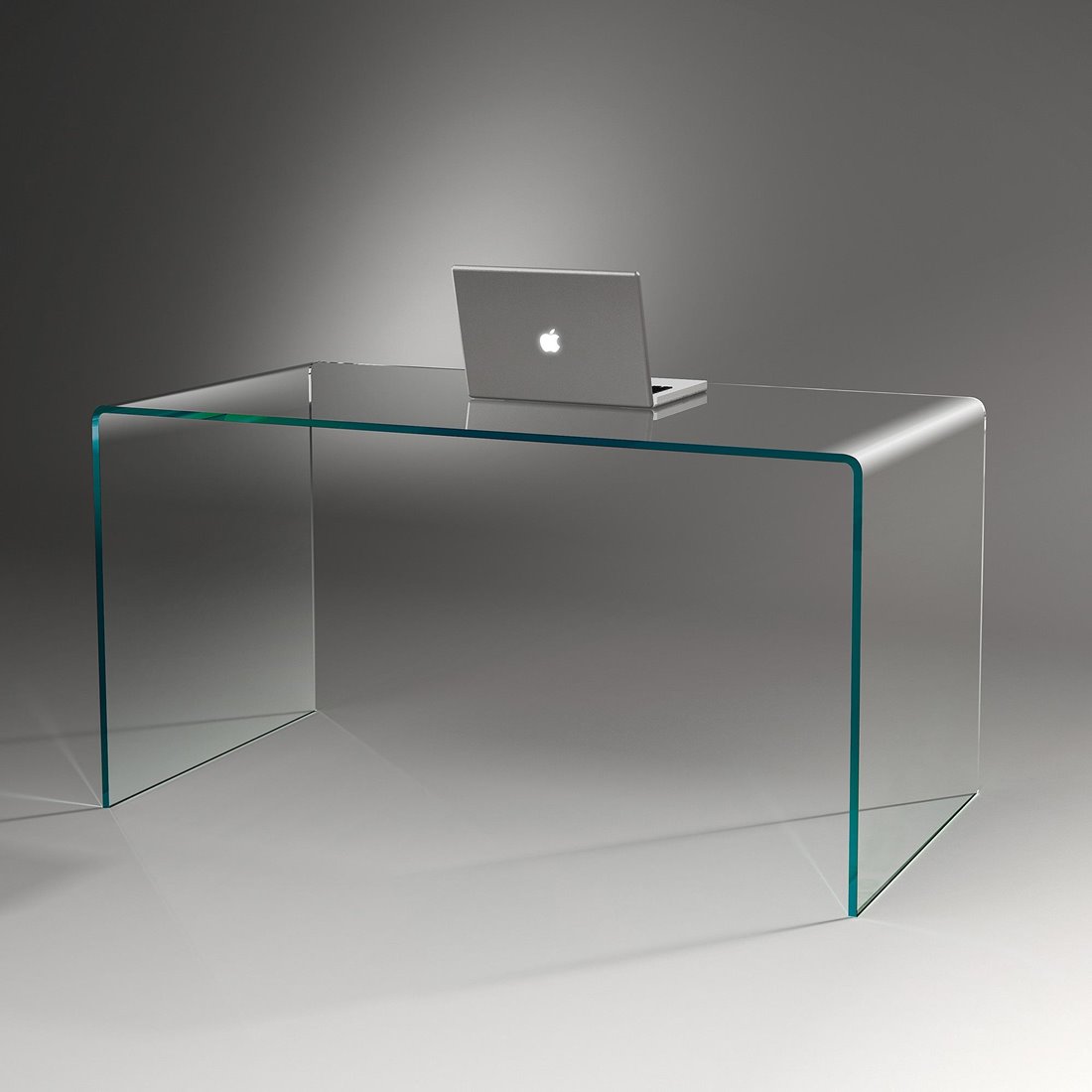
CLASSIC
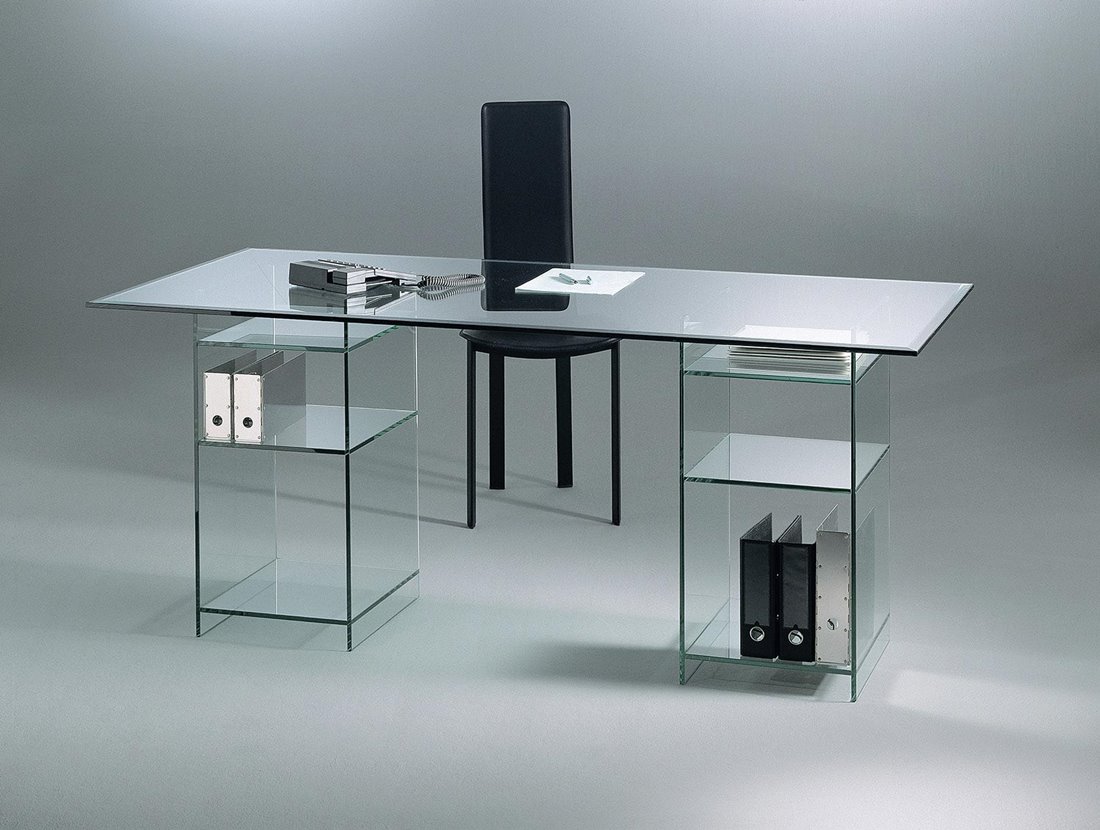
Compare its available working surfaces and shelf arrangements with your equipment plan.
Check the available sizes, material combinations and relevant opening or movement space against your notes before choosing a configuration.
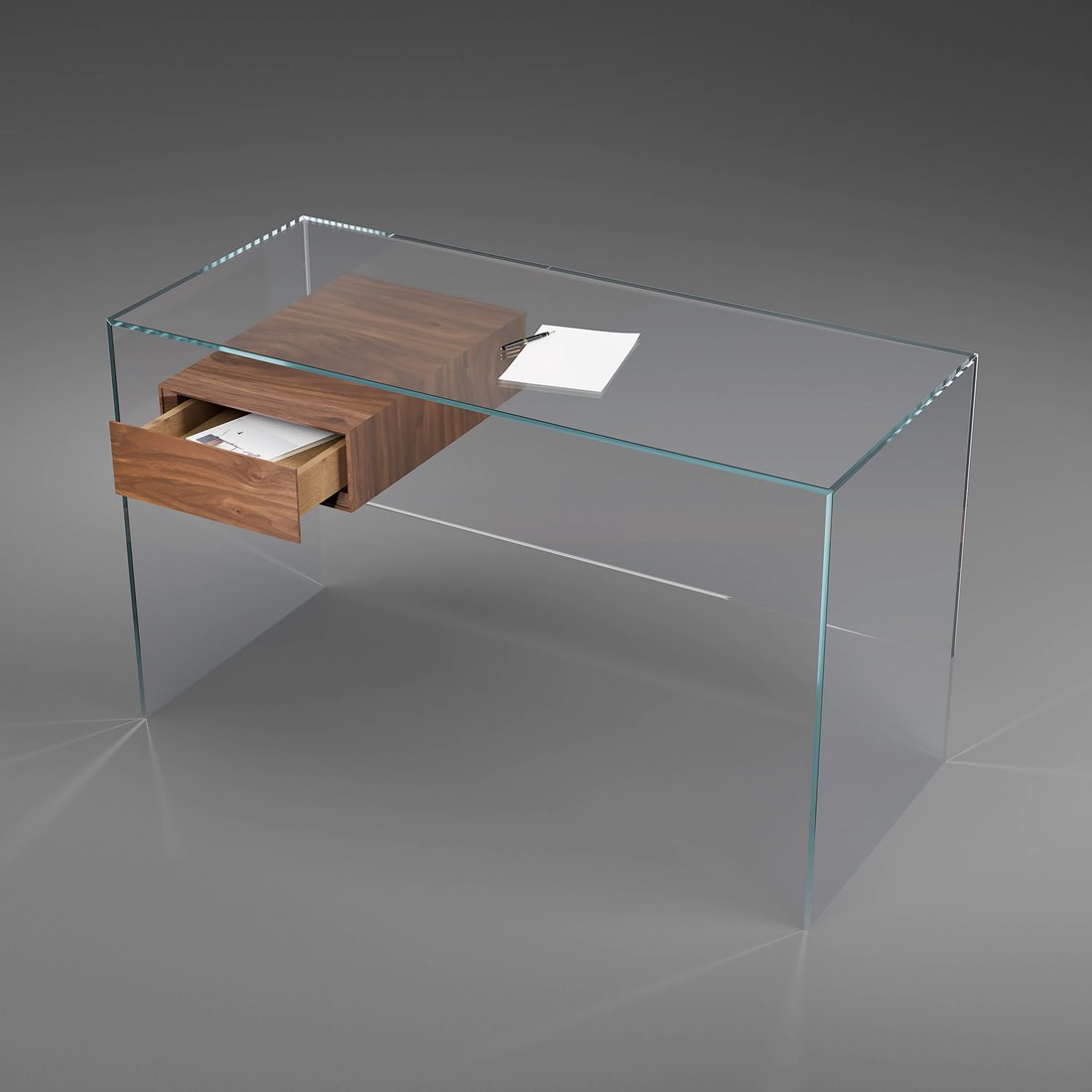
JANUS TS
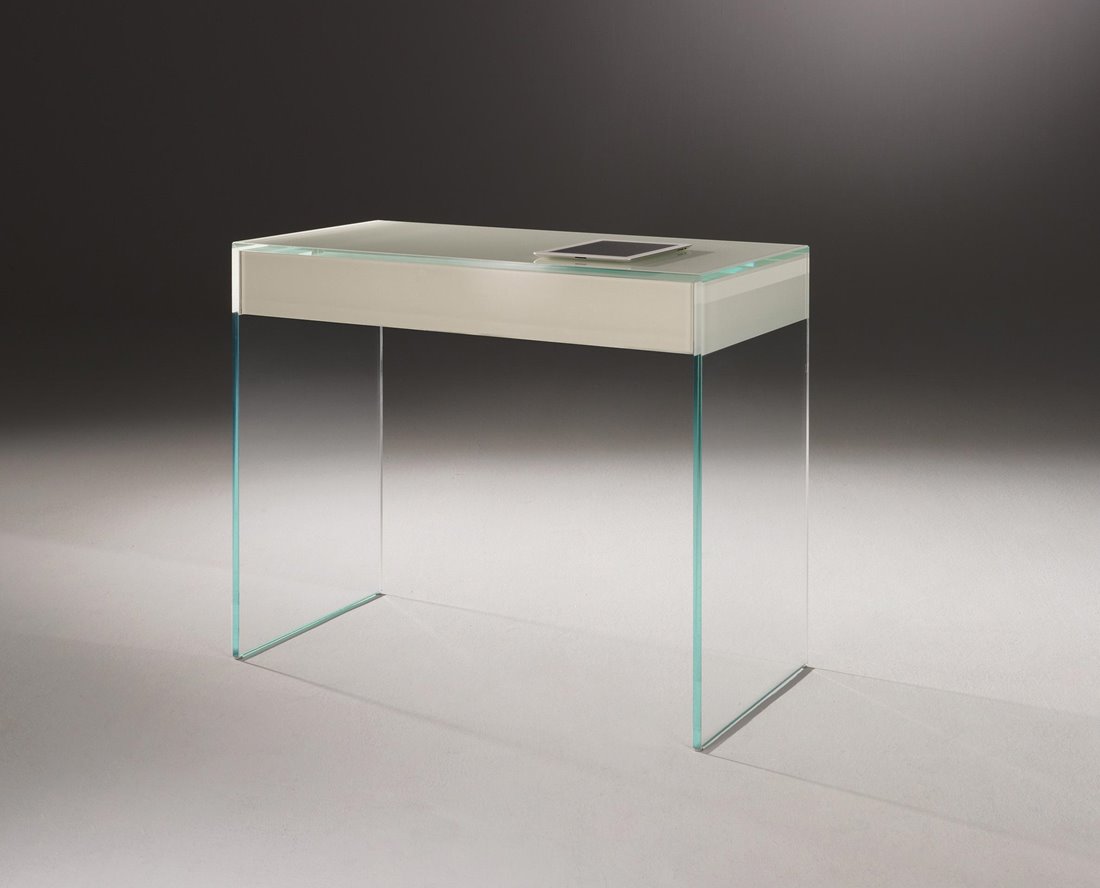
For compact tasks with a drawer; assess its usable depth against the screen setup.
Check the available sizes, material combinations and relevant opening or movement space against your notes before choosing a configuration.
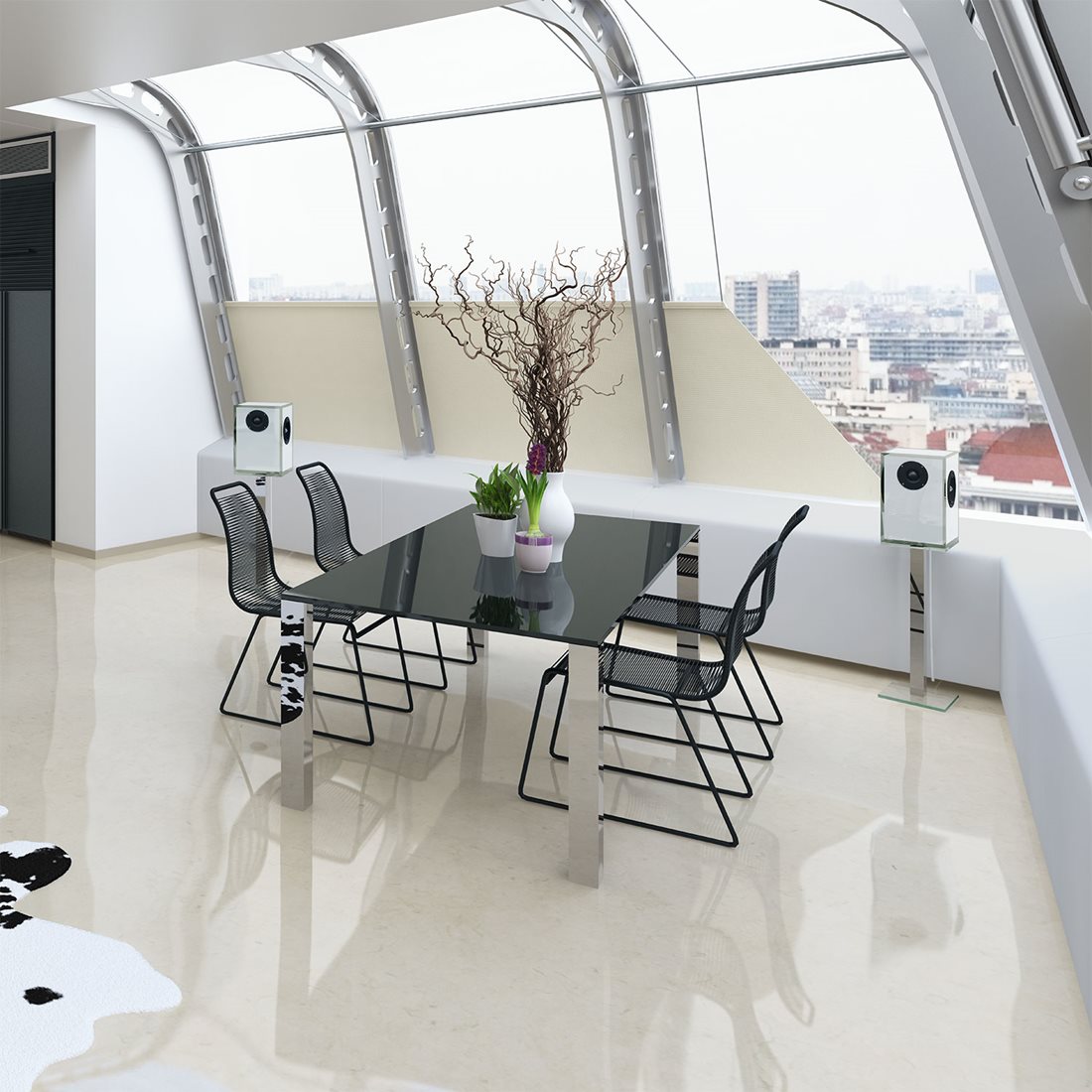
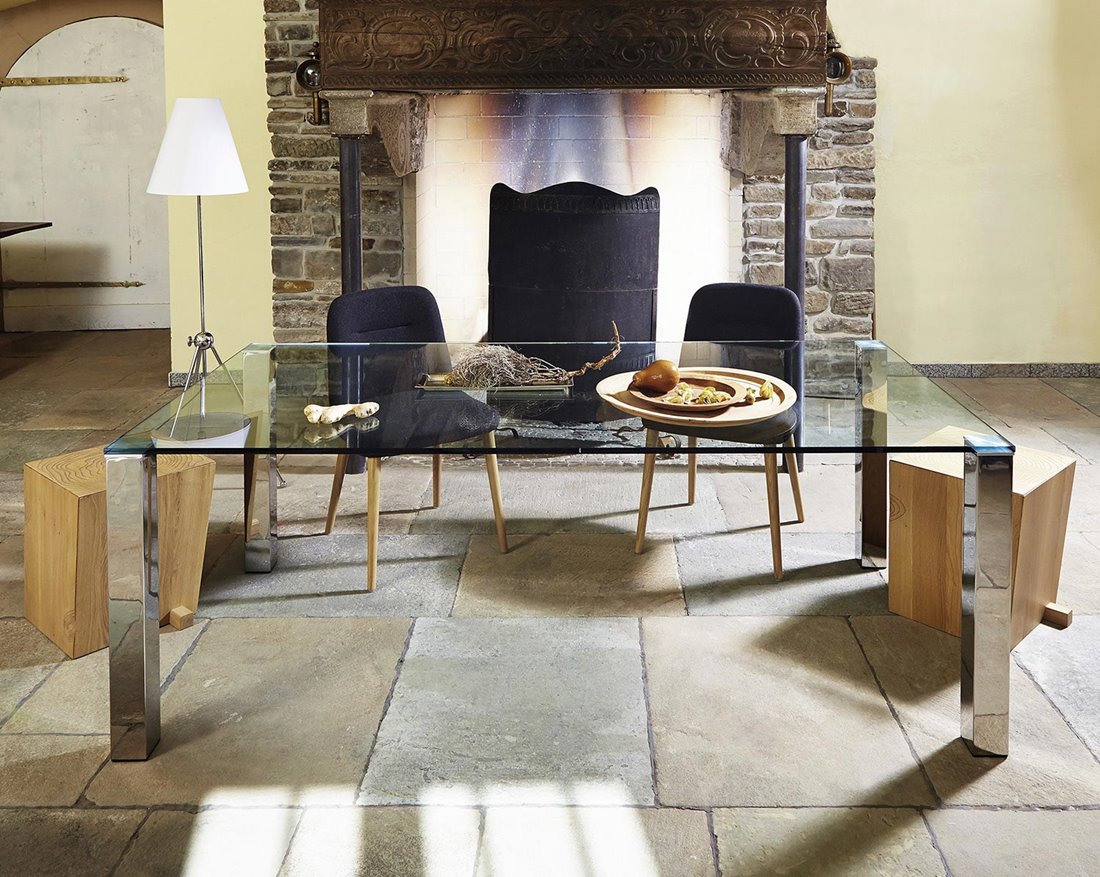
QUADRO MAGNUM
For a larger surface or shared projects, provided the room and support arrangement suit the use.
Check the available sizes, material combinations and relevant opening or movement space against your notes before choosing a configuration.
Your checklist before choosing
Use these five points to turn the guide into a short furniture brief. They are worth completing before comparing a standard model with a custom design.
- Simultaneous equipment and paper layout.
- Chair movement and leg space below the top.
- Screens and lamps tested for reflections.
- Accessible storage plus cable and ventilation paths.
- Guest-bed movement if the room has a second use.
Three mistakes worth avoiding
A wide but shallow top may still be unsuitable for your equipment.
Do not clamp a monitor arm to glass without explicit compatibility approval.
A favorite color is a design choice, not a guaranteed concentration aid.
Useful answers, in one place
Questions and answers
Open a question for a short answer and a relevant next step.
Which furniture does a home office need?
Start with a work surface and suitable chair, then storage and lighting for your routine. List equipment used at the same time before choosing dimensions.
Where should the desk be relative to a window?
Try a position with the screen at right angles to the window and test reflections during working hours. Adjust blinds and lamps to the actual conditions.
How big should a desk be?
It should fit the simultaneous equipment setup and allow useful keyboard, mouse and leg space. Test depth as well as width using your actual equipment.
Can I mount a monitor arm to a glass desk?
Only with explicit approval for the specific glass top, arm and mounting method. Send the equipment details before ordering or fitting a clamp.
Can a guest room also be an office?
Yes, if both arrangements work. Test the guest bed fully open and provide a practical place for work materials and any furniture that needs moving.
Can you make a custom work surface?
Yes, discuss dimensions, equipment loads, mounting needs, storage and materials. We review the construction around your intended use.
Continue with the question that comes next
Further technical reading
The specified furniture construction and its care or installation instructions remain the reference for a particular model.
Bring your measurements and ideas
If a standard size or finish does not solve the problem, we can discuss a different dimension, color or combination of glass, solid wood and metal. We also review original furniture designs. Describe the intended use, include room or object measurements and send photos of the pieces you want to keep.
Ask for personal furniture advice · Explore custom furniture
You can order available models directly in our online store. For a custom piece, we first agree the specification. Delivery arrangements depend on the destination; check the information for your country.
To compare selected models or materials in person, arrange a visit to our Hennef showroom by email or phone. Visits are by prior appointment only; please confirm the models or materials you want to see.